Afterpay provides monthly account statements in the Afterpay app. When your statement is ready, we’ll email you a link to view it in the app. Update the app to the latest version to access your statement.
Overview
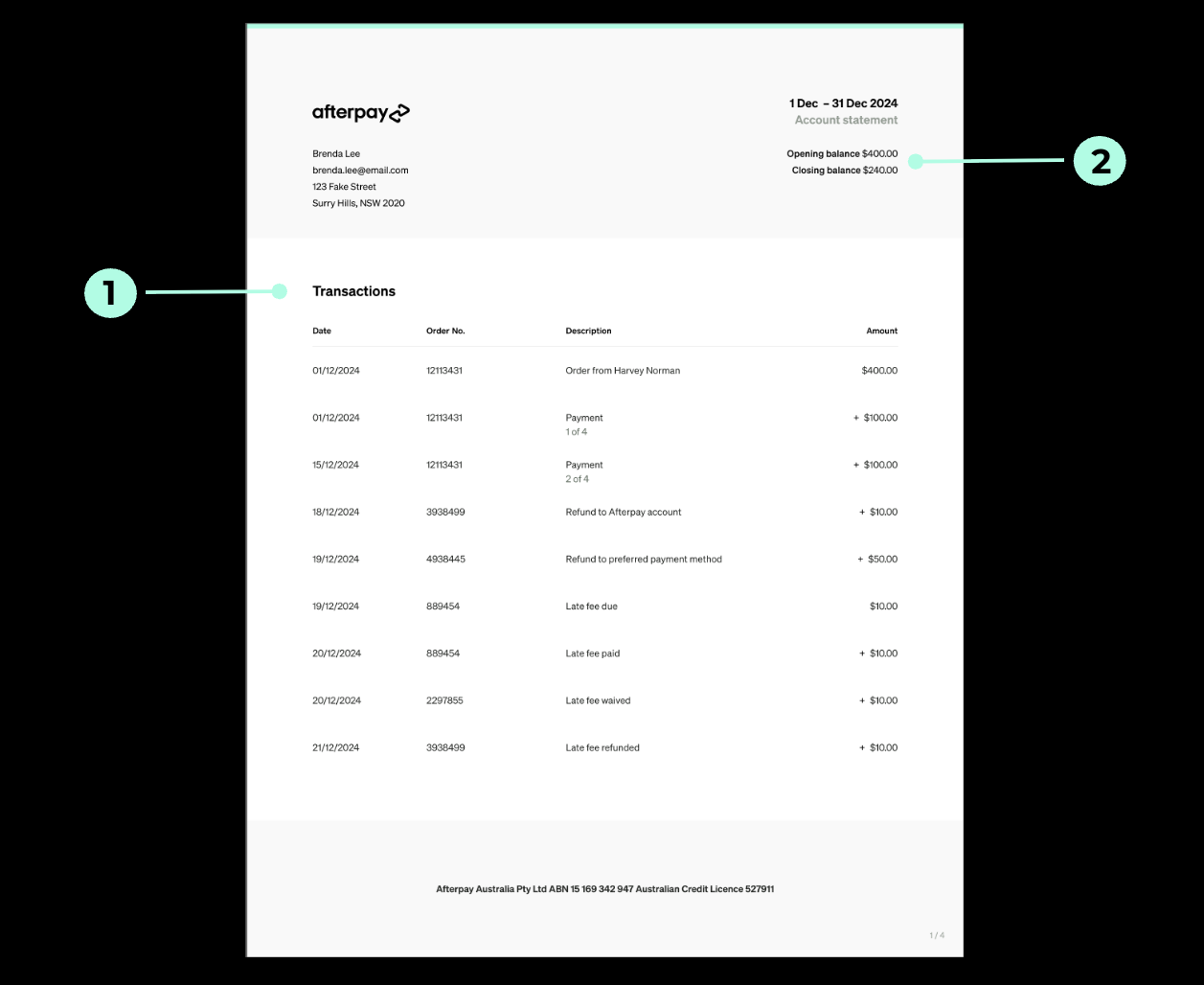
1. Transactions
This section summarizes your Afterpay activity during the statement period, including orders, refunds, and payments. It doesn’t include fees related to an Afterpay Plus subscription, if applicable.
Payments made directly to our bank account or through a debt collection agency appear on your statement on the date they’re processed to your Afterpay account, not the date you made the payment.
2. Opening and closing balances
This section shows two balances:
Opening balance: Your Afterpay account balance on the first day of the statement period.
Closing balance: Your Afterpay account balance on the last day of the statement period.
Only activity financed by the credit we provide appears in your opening and closing balances.
What appears in the opening and closing balances?
New orders and instalments paid, except the first instalment paid when you placed an order.
Other payments made towards your account balance, including payments made through a debt collection agency or under a payment arrangement.
Refunds applied to your Afterpay account.
Debt waivers or reductions in the amount owed.
What doesn’t appear in the opening and closing balances?
The order value covered by the first instalment paid when you placed the order.
Late fees paid from or refunded to your linked card or bank account.
Other refunds made directly to your linked card or bank account.
3. Other information
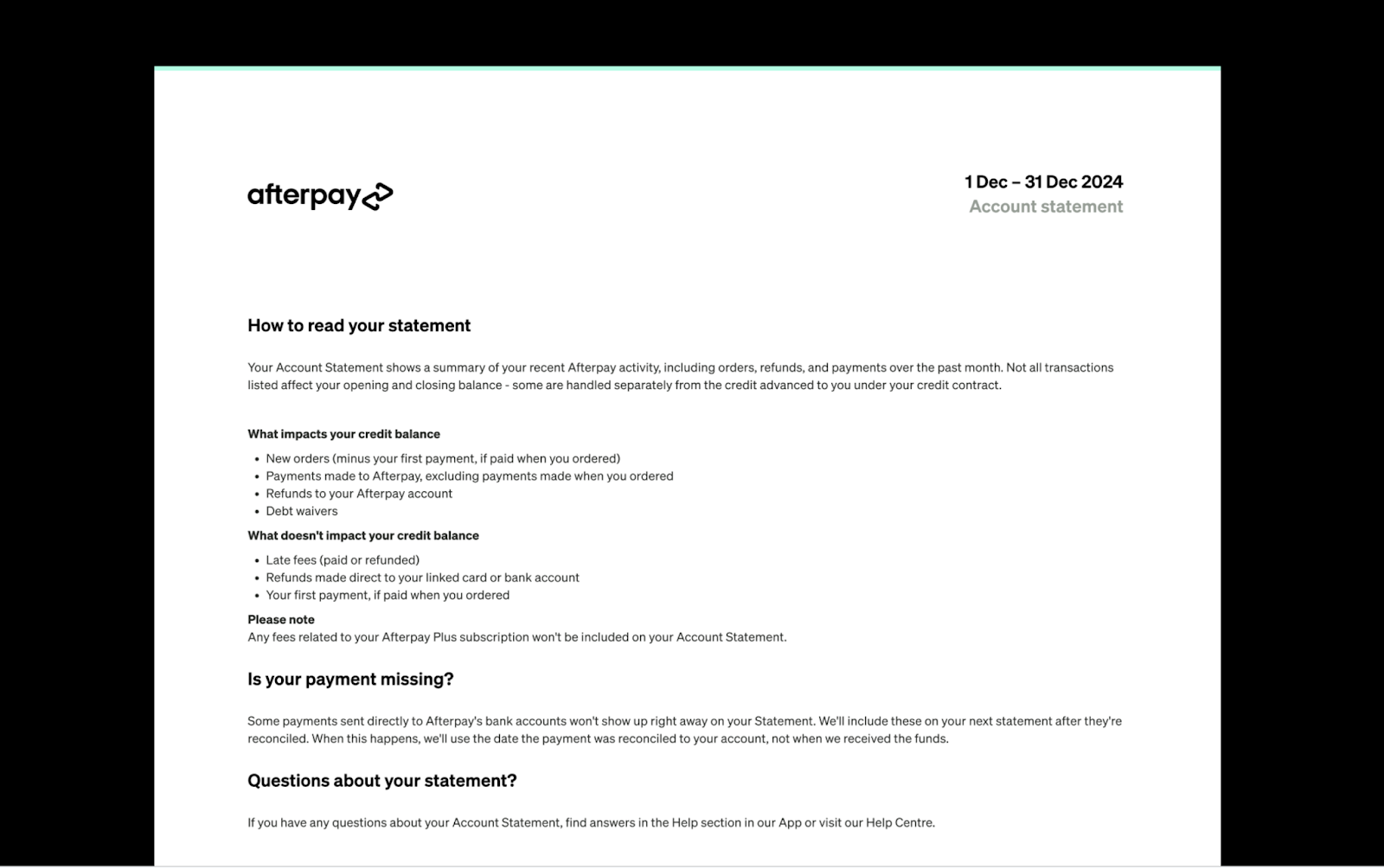
This section includes resources to help you understand your statement and find support.